
Styling elements using classes has a very similar syntax to what you have just learned about styling. However, it is different in the sense of what exact elements of your webpage you style.
In your css, to list the style rules for your class, type ".nameofclass." Then, you list your rules inside curly brackets, just like when you learned to style. Back on your HTML page, if you want to style a specific element using your class, inside the tag, type <tagname class="nameofclass">. Here's an example:
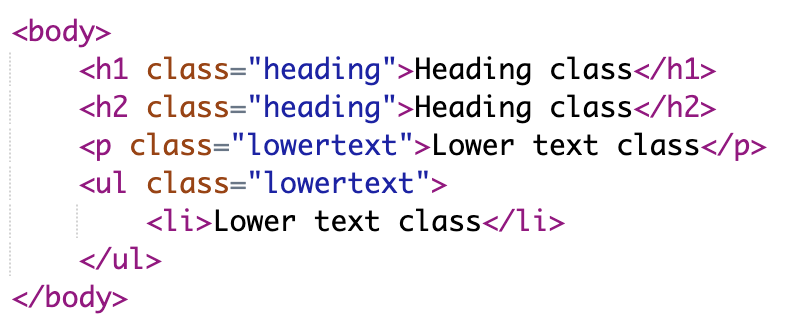
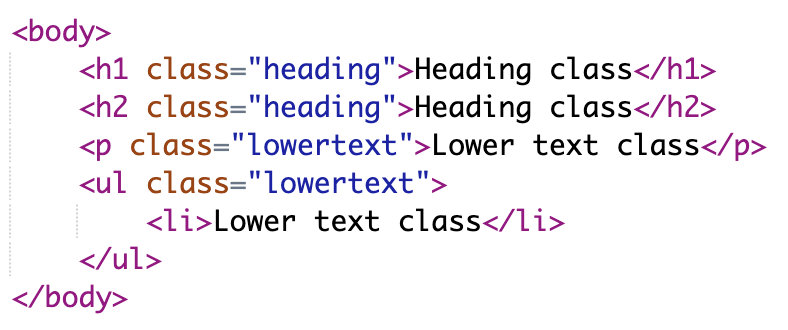
This code yields the following result:

When you create your .nameofclass class, the class' style applies to everything whose class is nameofclass. What if you wanted to add some style to nameofclass for a specific tag? To add that style, create another .nameofclass{}, but before the dot, write the name of the tag. Here's an example:
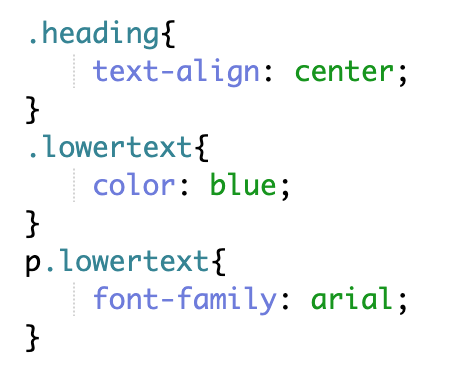
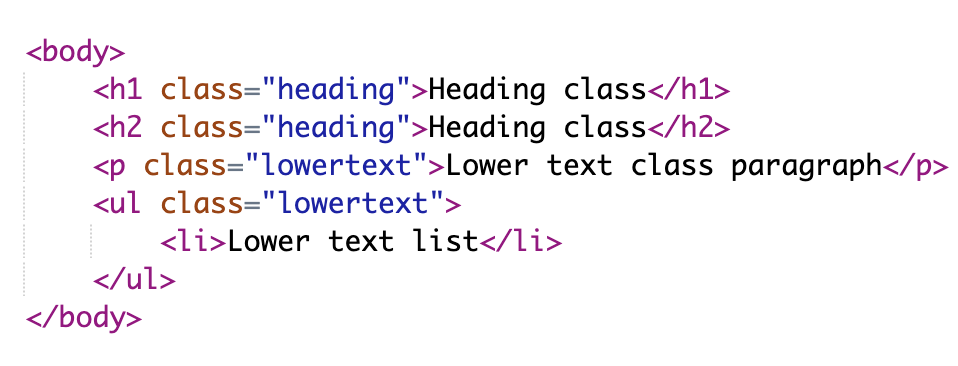
This code yields the following result: