
To paste an image into html, go to google image search. On the top, go to tools, and select creative commons licenses. After that, right click on your desired image and click save image as. Save it as a jpg or png. Then, click "new" on codehs and click "upload" to save it as a file for your webpage. Here, you will learn the syntax for images.
Now that your image is a file, you use the <img> tag. The <img> tag can contain the src (or the image file), alt (or the name of the image), width, height and more. However, the src attribute is the only one required in the <img< tag. Here is an example of how to code an image:

This code yields the following result:

Instead of saving your desired image as a file, you can right click it on google search and click "open image in a new tab." Then, you can copy that link and paste it into the source. Here is an example:
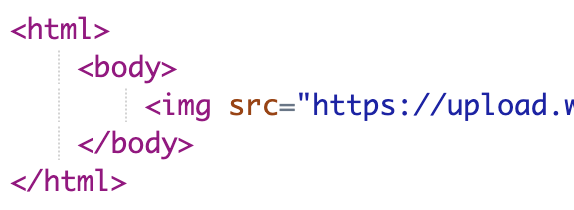
This code yields the following result: